
Report ICT Issues Seamlessly
Efficient Solutions for Your Digital Needs
Welcome to the Pejabat Kualiti & Transformasi Digital (UTMDIGITAL) reporting page. Here, university staff and students can easily report any ICT-related issues, ensuring quick resolutions and minimal disruptions.
How to Report an ICT Issue
Follow these simple steps to report any system issues, application error, digital service requrest, or other ICT-related concerns.
1
Access the UTM Support Portal
Access our SISPAA UTM Support portal, fill in your report Title and select category "Perkhidmatan ICT" at the dropdown.
2
Fill in your details
Provide a detailed description of the problem, including any error messages or symptoms observed. Also fill in your contact details.
3
Submit Your Report
Register your ID for future reference and follow-ups.
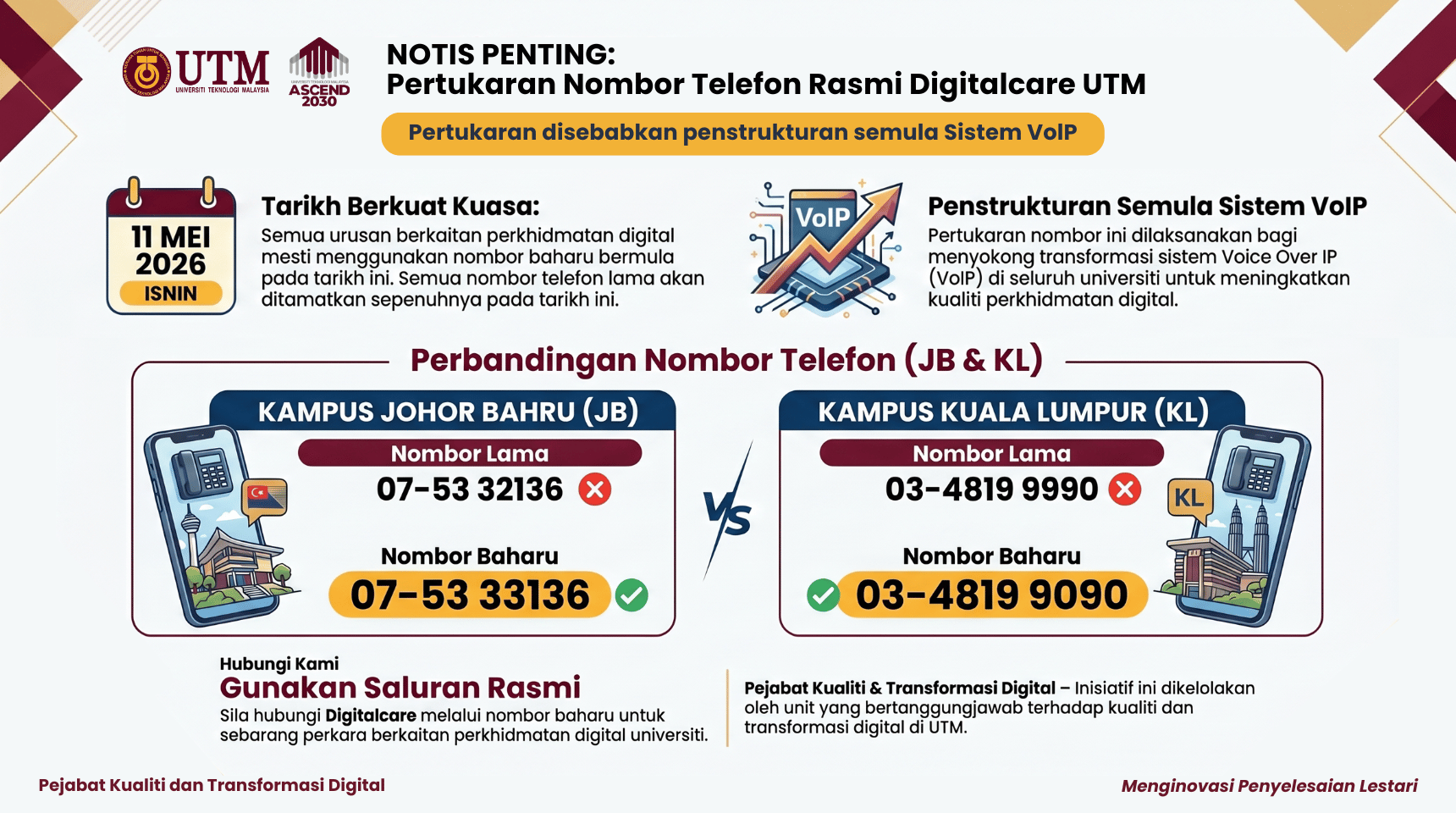

Laporkan Masalah ICT Anda kepada UTMDX DigitalCare
Adakah anda menghadapi masalah dengan sistem ICT atau memerlukan panduan pengguna? Klik di bawah untuk melaporkan isu anda atau mengakses dokumen manual pengguna kami.
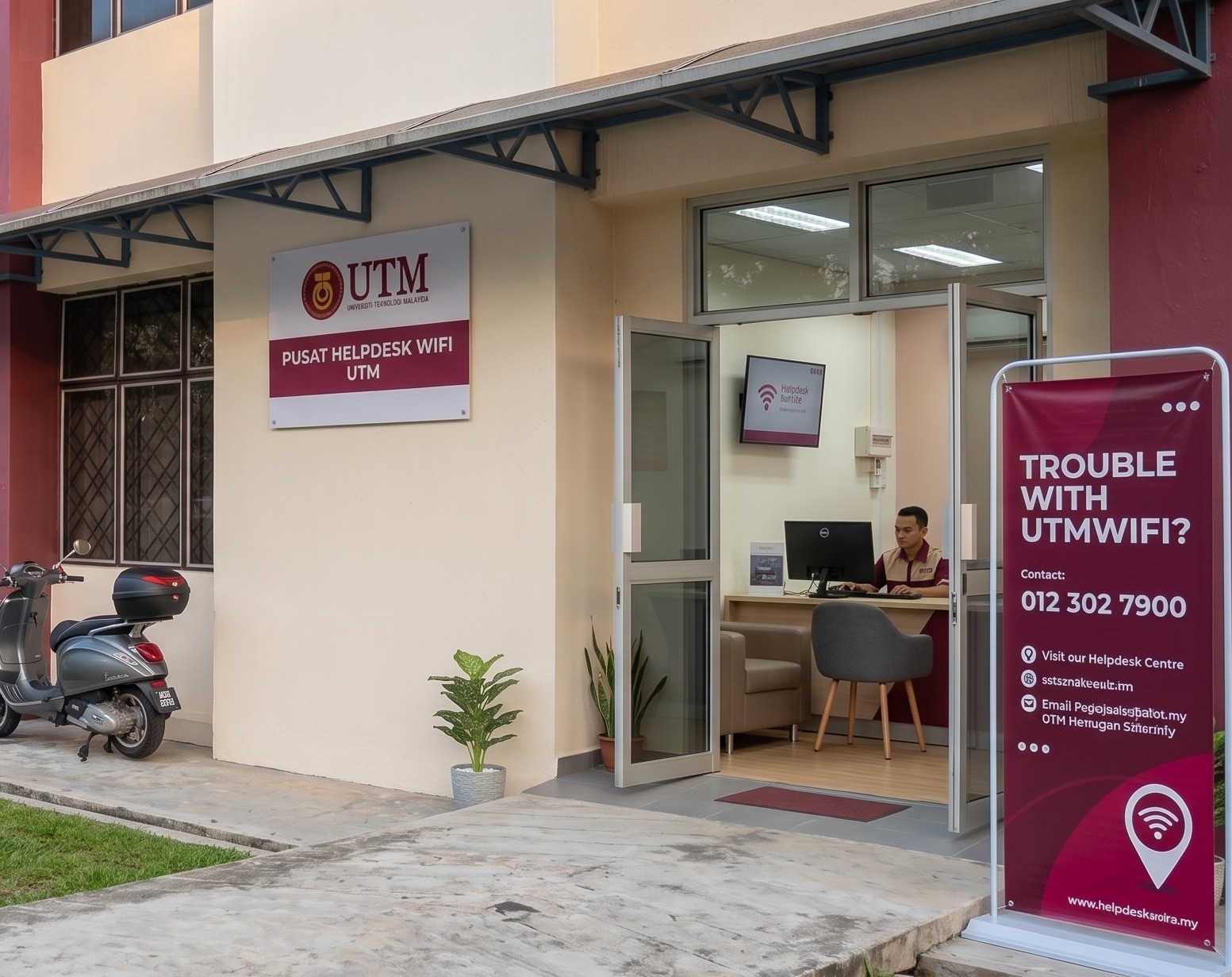
UTMWiFi Helpdesk Centre (UTM JB)
Operation Hour
Helpdesk: 9.00am to 6.00pm (Sunday - Thursday)
Hotline: 012-302 7900
Live Chat: 9.00am to 6.00pm (Sunday - Thursday)
Email: utmwifi@utm.my (24 Hours)
more details : http://utmwifi.utm.my/ticket/
Senarai Manual Pengguna Sistem Aplikasi UTM
Anda mengalami masalah menggunakan sistem aplikasi?
Cari Manual Pengguna
Manual Pengguna ePerolehan
1
Access the UTM Support Portal
Access our SISPAA UTM Support portal, fill in your report Title and select category "Perkhidmatan ICT" at the dropdown.
2
Fill in your details
Provide a detailed description of the problem, including any error messages or symptoms observed. Also fill in your contact details.
3
Submit Your Report
Register your ID for future reference and follow-ups.
